


Description
SPECIFICATIONS
Brand Name: xgody
Certification: CE
GPS Navigator with TF Card: No
GPS type: Vehicle GPS Units & Equipment
High-concerned chemical: None
Is Batteries Included: No
Origin: Mainland China
Screen Resolution: 800x480
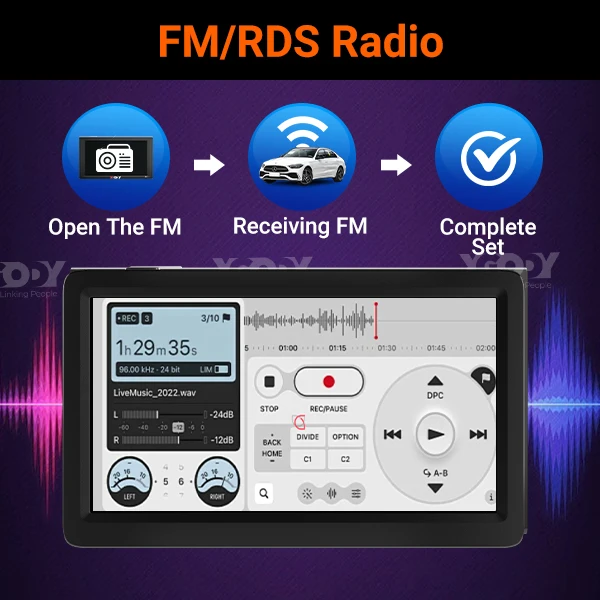
Special Features: MP3/MP4 Players,Touch Screen
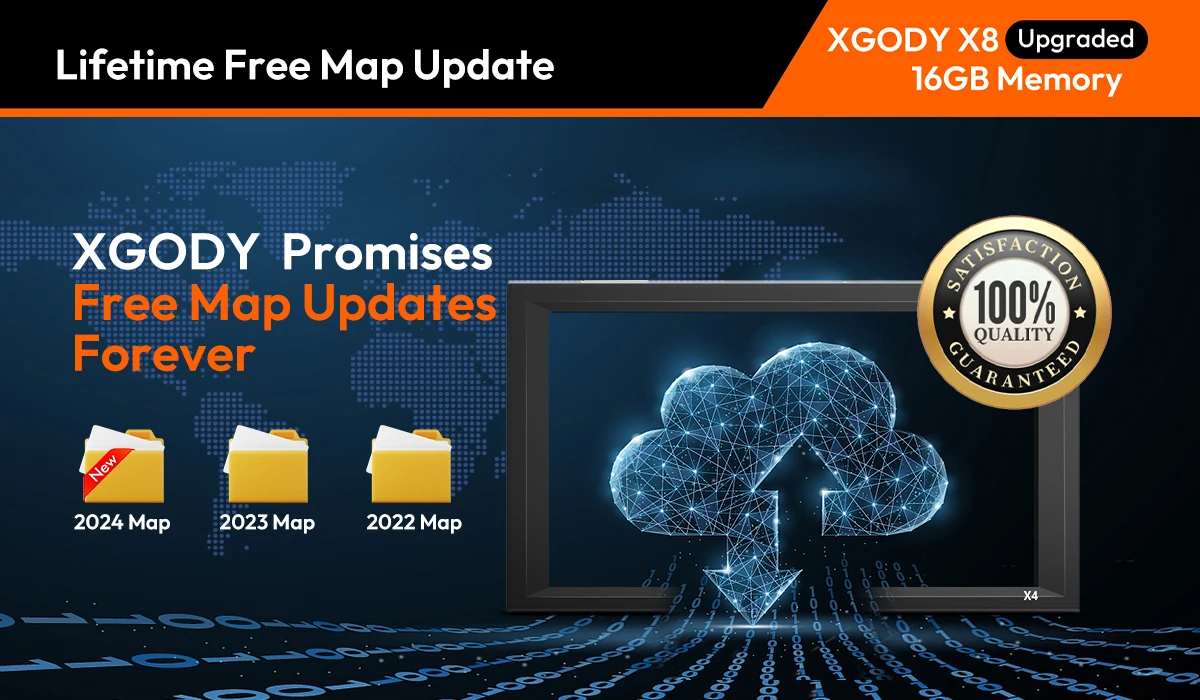 【Europe Edition 2024 + Lifetime Map Updates】The Latest Maps for UK & Europe with lifetime 2D 3D map updates, this is brilliant value of money.
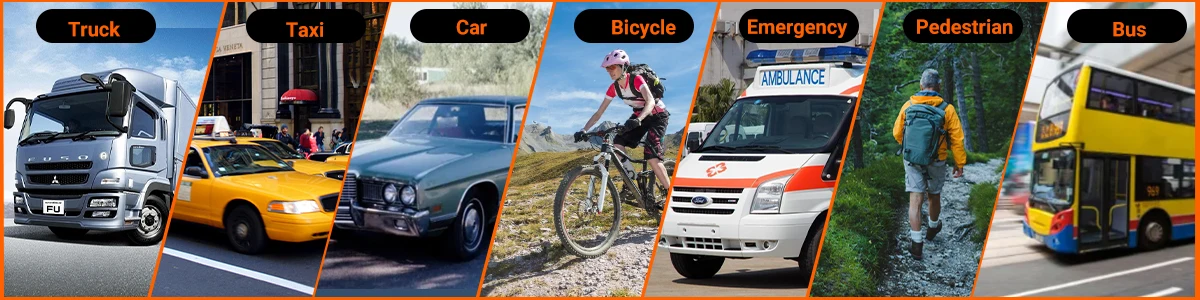
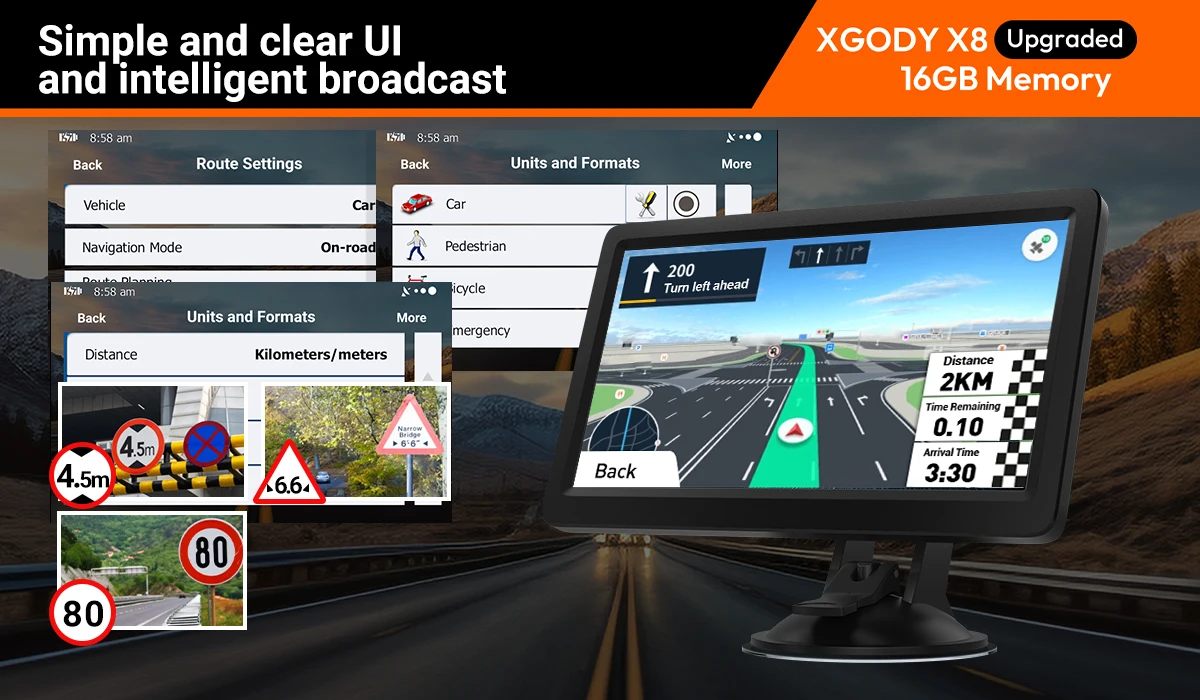
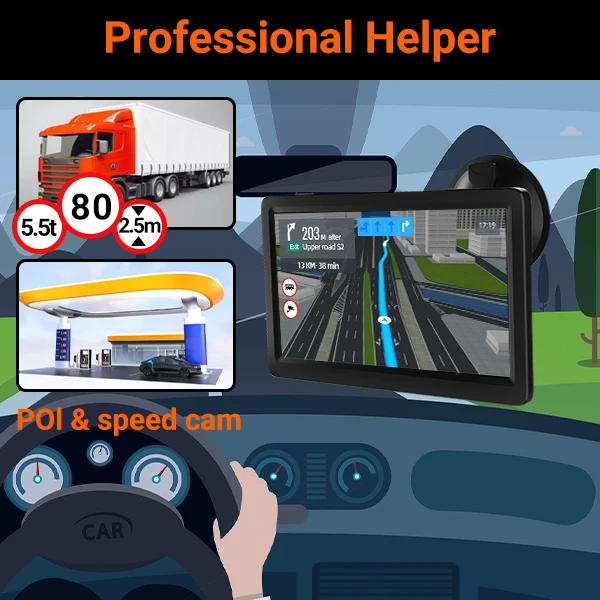
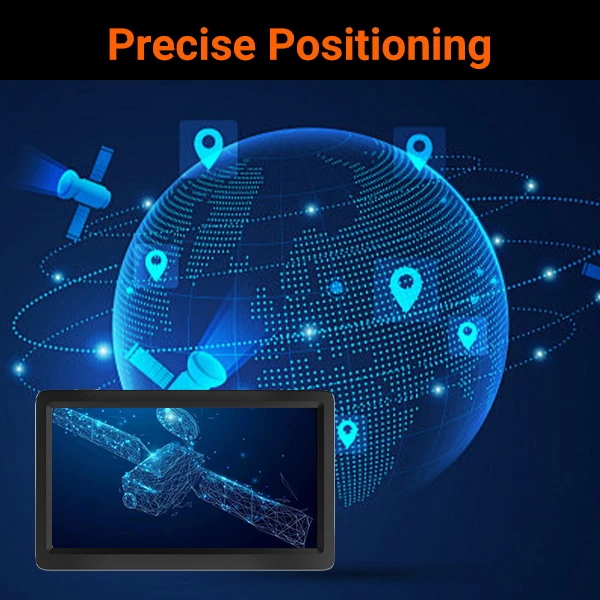
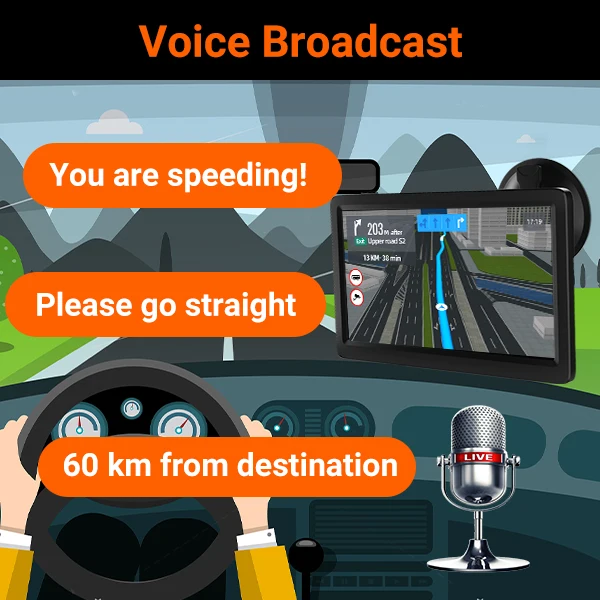
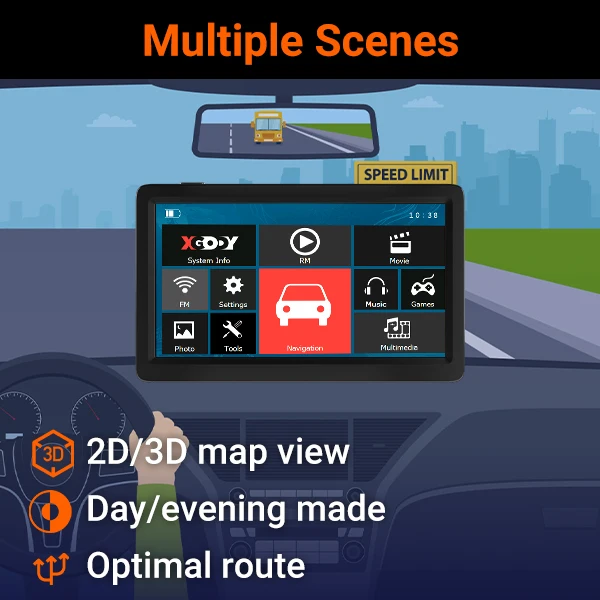
【Professional GPS Features】(1) Detailed 3D Maps (2) Search by Postal code, Address or Co-ordinates (3) Points of Interest Search (4) Active Driver Alerts (5) Street Name & Turn-By-Turn Real Voice Broadcasting (6) Lane Guidance Assist (7) Intelligent Route Planning with Fast or Economical Routes (8) Truck Route Restrictions(9) Active Red Light & Speed Camera Alerts (10) Displays Current Speed and ETA (11) Multiple Vehicle Modes Car, Truck, Motorhome & RV +More (12) Accurate GPS Tracking.
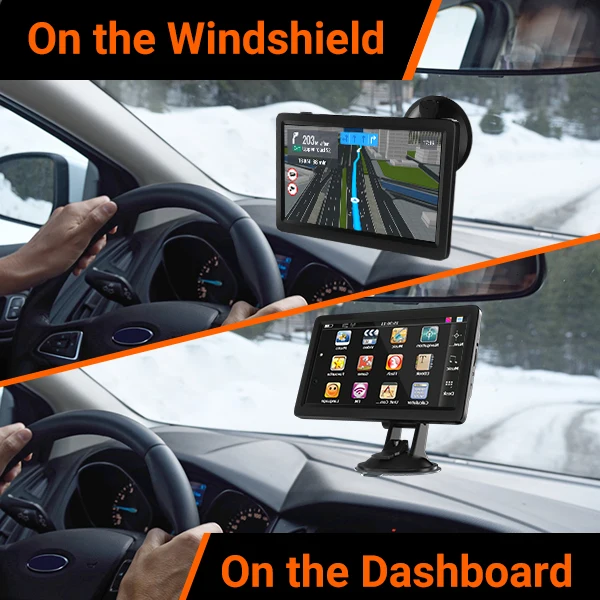
【9 Inch GPS Navigation】800 x 480 pixels, super function block the sun, used to block the sun during the day, preventing reflection from windscreen during the night. 256MB RAM - 8GB ROM Internal Memory + SD Card Slot(Maximum compatible with 32GB SD card.)Real Voice Navigation: You do not have to stare at the screen all the time.
【Special Function for Truck】After setting your truck' profile, it will customize personalized route according to the height length and weight of your truck, intelligently avoid the risk routes which may have route limit, speed limit, height limit, width limit, weight limit, etc.
【Worry-Free After Sale】XGODY Truck GPS Navigation supplies regular maps upgrades and any question inquiry. Our company established a professional technician team to solve various problems for our customers. If You Have Any Questions About This Product, Please Contact Us on time. We will reply to You within 24 Hours.
Some Tips Attention:
1. If you are a young person, please read the user manual and instructions carefully, try several times, some navigation settings can be remembered quickly, and you can also teach the elderly how to use it, and finally you find it is very easy to use.
2. What if the navigation leads in the wrong direction or the planned route is wrong?
(1) Check whether the vehicle mode is not properly adjusted,
(2) Check if the map data is the latest version,
(3) Check whether the GPS signal is too weak or your area is remote
If these cannot solve your problem, please contact us in time.
3. How to choose 5-inch/7-inch/9-inch navigation?
5 inch navigation is more suitable for small cars(passenger cars, Taxi, Bus, etc),
7 inch navigation is suitable for both car and truck,
9 inch navigation is more convenient for larger vehicles (Truck, HGV, LGV, Lorry)
Set Language Steps:
1)Main Menu→Clink"Settings"→Clink"Language"→Choose Language"English"→Clink green symbol"✔''
2)Main Menu→ Click "Navigation"→ Click "Setting"(a tool character)→ Click " Sound and Warnings"→ Click "Voice Language"
3)Main Menu→ Click "Navigation"→ Click "Setting"(a tool character)→ Clink"Regional"→ Click"Program Language"
→ Choose Language"English"→Clink"Done"
Note: If you want to switch to another language, please follow the steps above to switch to the corresponding language.
지불 및 보안
Your payment information is processed securely. We do not store credit card details nor have access to your credit card information.